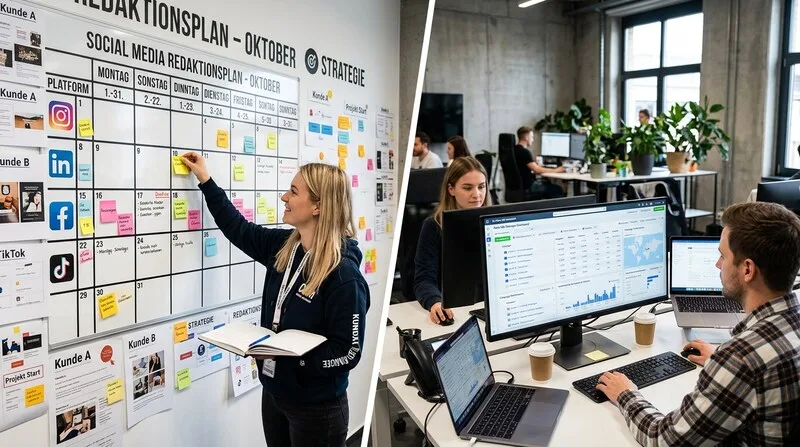
Consistency beats creativity. That sounds provocative, but it's true: an average post published on time is more valuable than a brilliant post that never goes live. A content calendar is the tool that guarantees consistency. Here's how to create one that works.
Why You Need a Content Calendar
- Consistency: You post regularly, even when you're not in the mood
- Quality: You have time for concept and production instead of last-minute scrambling
- Strategy: You plan content that aligns with your goals
Step 1: Define Content Pillars
Content pillars are the three to five topics you regularly post about. They give your feed a clear identity. Example: Portfolio, Behind the Scenes, Tips & Know-how, Team & Culture, Industry & Trends.
Step 2: Create Monthly Plans
Work in monthly blocks. Each month gets a theme that runs through all content pillars.

Step 3: Add Key Industry Dates
Fashion weeks, Met Gala, Cannes Film Festival, award shows -- all are content gold mines. Plan them into your calendar first.
Step 4: Vary Content Formats
A good feed mixes different formats: carousels, reels, single images, story series. The mix of static and dynamic formats keeps the feed interesting and serves different algorithm preferences.
Step 5: Use Tools
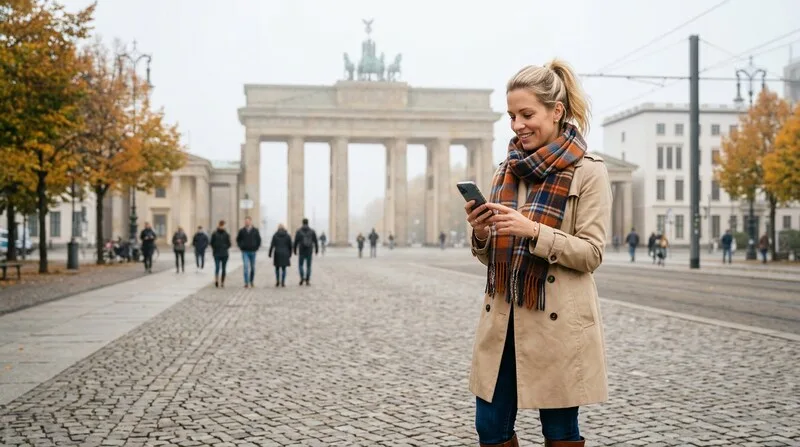
- Later: Visual planner, auto-publishing, analytics
- Hootsuite: Multi-platform management, team collaboration
- Canva: Content creation and scheduling in one tool
Step 6: Batch Production
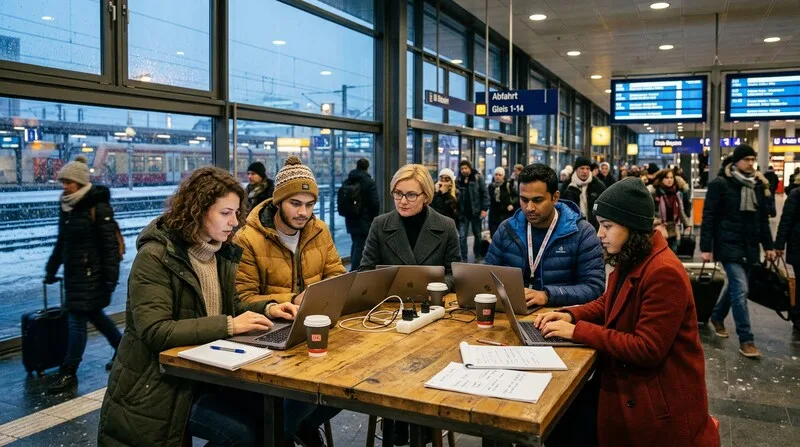
The biggest productivity hack for social media: produce content in batches. Instead of creating one post daily, produce an entire week's content in one day.
Step 7: Stay Flexible
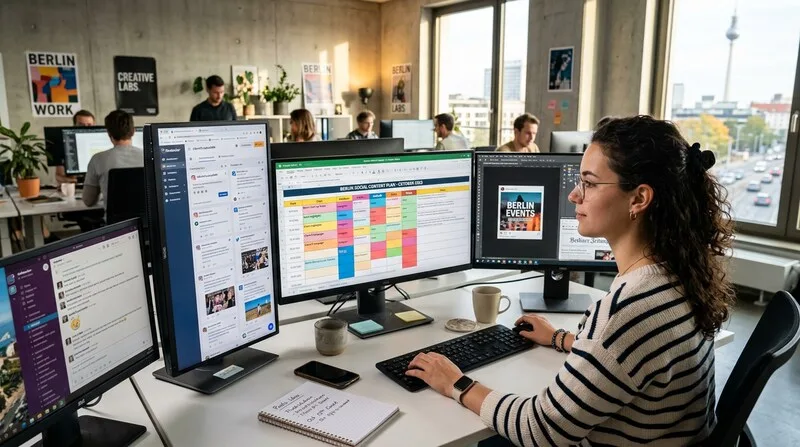
A content calendar is a guide, not a prison. Plan about 80 percent in advance and leave 20 percent for spontaneous content. When a viral trend fits your brand, jump on it -- speed decides.
Hashtag Strategy
- 3-5 niche hashtags (under 100K posts): Best chance for top posts
- 3-5 mid-range hashtags (100K-1M posts): Good balance of visibility and competition
- 2-3 large hashtags (1M+ posts): For algorithmic categorization
- 1 branded hashtag: Builds a searchable content library over time
Content Batching: Create a Month of Content in One Day
The most efficient content creators don't post daily — they batch. Instead of spending 30 minutes every day thinking about what to post, they dedicate one day per month to create everything at once. The "Batch Day" workflow:
- Morning (2 hours): Write all long-form captions, blog excerpts, and newsletter snippets for the month. Use the content calendar as the brief.
- Midday (2 hours): Record all video content in one session — 10-15 short videos, variations on 3-4 core topics. Wardrobe changes create visual variety.
- Afternoon (2 hours): Design graphics, create story templates, resize and reformat all assets for each platform.
- Evening (1 hour): Schedule everything using a scheduling tool (Buffer, Hootsuite, Later, or native scheduling).
The result: one full day of focused work produces 4 weeks of consistent, high-quality content. The psychological benefit is equally important — you never wake up with "what do I post today?" anxiety again.

Tools for Content Calendar Management
The right tool depends on team size and complexity. Here are the most practical options at each stage:

- Solo Creator / Startup: Notion or Google Sheets with a simple calendar template. Free, flexible, no setup friction. Add a "Status" column (Ideas → Writing → Design → Scheduled → Published).
- Small Team (2-5 people): Trello or Asana for collaboration. Each content piece becomes a card with assignee, due date, platform, and approval status. Integrates with most scheduling tools.
- Agency / Scale: Planable, CoSchedule, or Contentful. Purpose-built for content workflows, client approvals, and multi-brand management. More expensive but saves hours per week at scale.
- Scheduling: Later (best for Instagram), Buffer (best for multi-platform), Sprout Social (best for enterprise analytics). All support bulk scheduling from a content calendar.
For tracking whether the content calendar effort actually translates into results, the marketing KPIs guide covers which metrics to monitor — and which to ignore. For the person who executes this day-to-day, see what a social media manager actually spends their time on — the breakdown between community management, analytics, and content creation may surprise you.
Platform-Specific Posting Frequency: What the Data Shows in 2026
Not all platforms reward the same publishing cadence. Over-posting hurts organic reach on LinkedIn. Under-posting on TikTok means the algorithm never learns your content preferences. Here's the data-backed frequency guide by platform:
| Platform | Optimal Frequency | Key Note |
|---|---|---|
| Instagram Feed | 3–5x per week | Stories separate — 5–7/day fine, no feed algorithm impact |
| TikTok | 1–3 videos/day (growth) | Min. 4–5/week; algorithm rewards volume over perfection |
| LinkedIn (Company) | 3–5x per week | Never more than 1x/day — engagement drops sharply |
| YouTube | 1–2x per week + Shorts | Consistent weekly drop beats irregular bursts |
| 5–15 pins/day | Search engine logic — volume rules here differently | |
| X (Twitter) | 3–5x per day | 15–30 min shelf life per post — build reply strategy too |
The rule above rules: consistent average frequency outperforms irregular posting even when the irregular posts are individually higher quality. An audience that expects you on Tuesdays and Thursdays will engage more reliably than an audience that sees you sporadically whenever inspiration strikes.
Conclusion: Planning Liberates Creativity
Paradoxically, a structured content calendar makes you more creative, not less. When the "when" and "what" are settled, you can focus on the "how" -- and that is exactly where great content happens. Batch your creation, schedule ahead, leave 20% for spontaneous reactive content, and measure what actually grows your business — not vanity metrics that make the spreadsheet look good.

Frequently Asked Questions: Social Media Content Calendar
What should be in a social media content calendar?
A complete content calendar includes: publishing date and time; platform (Instagram, TikTok, LinkedIn, etc.); content format (video, image, carousel, story, reel); topic/caption draft; hashtags; call to action; visual assets (linked or attached); campaign tags (for tracking); and status (idea, in production, approved, scheduled, published). Advanced calendars also include: content pillar classification, SEO keyword tagging, and performance notes from previous posts in the same format. The level of detail depends on team size — solo operators need less; agency teams managing multiple clients need more.
How far in advance should you plan social media content?
Optimal planning horizon: 2–4 weeks for evergreen content; 1 week for topical/trending content; real-time (within hours) for reactive/news content. Planning 2 months ahead is too far — by the time content is published, the context may have shifted. Planning day-by-day is too reactive — quality suffers. The sweet spot: plan pillars and themes quarterly, specific posts 2–4 weeks out, leave 20–30% of capacity for real-time opportunities. Batch-produce content in weekly or bi-weekly sessions to maintain consistency without daily production pressure.
What is the best tool for a social media content calendar?
The right tool depends on team size and budget: Solo creators: Notion, Airtable (free tier), or a simple Google Sheets template cover all needs at zero cost. Small teams (2–5 people): Later, Buffer, or Sprout Social (approximately €15–30/month) offer scheduling plus calendar view plus basic analytics. Agency/enterprise teams: Sprinklr, Hootsuite Business, or Brandwatch (€200–1,000+/month) add approval workflows, client management, and advanced reporting. Start simple: a Google Sheet with one tab per platform, columns for date/time/format/caption/status, works perfectly until you manage more than 3 platforms or 5+ clients.